



Bulk Workflow Operations
09 January 2026
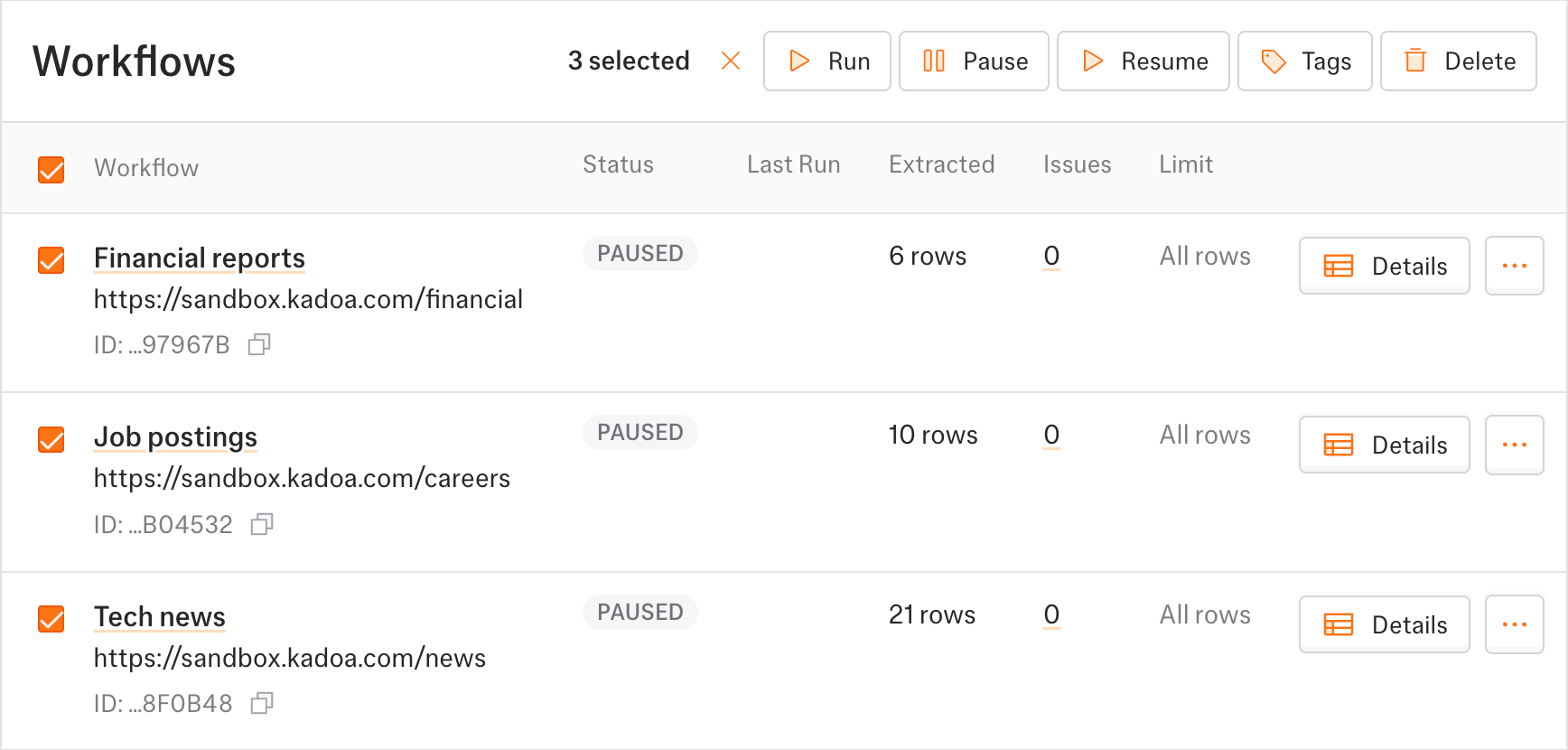
Back to changelogYou can now perform actions on multiple workflows at once directly from the dashboard.
Select workflows using the checkboxes that appear on hover, then use the bulk action bar to:
- Run - Trigger all selected workflows immediately
- Pause - Pause active workflows
- Tags - Assign tags to multiple workflows at once
- Delete - Remove selected workflows (with confirmation)
For workflows with preview data pending review, an Approve button will also appear, allowing you to approve multiple workflows in one click.