


Command Bar
12 April 2026
Back to changelogYou can now press Cmd+K (or Ctrl+K on Windows/Linux) to open a command bar from anywhere in the dashboard.
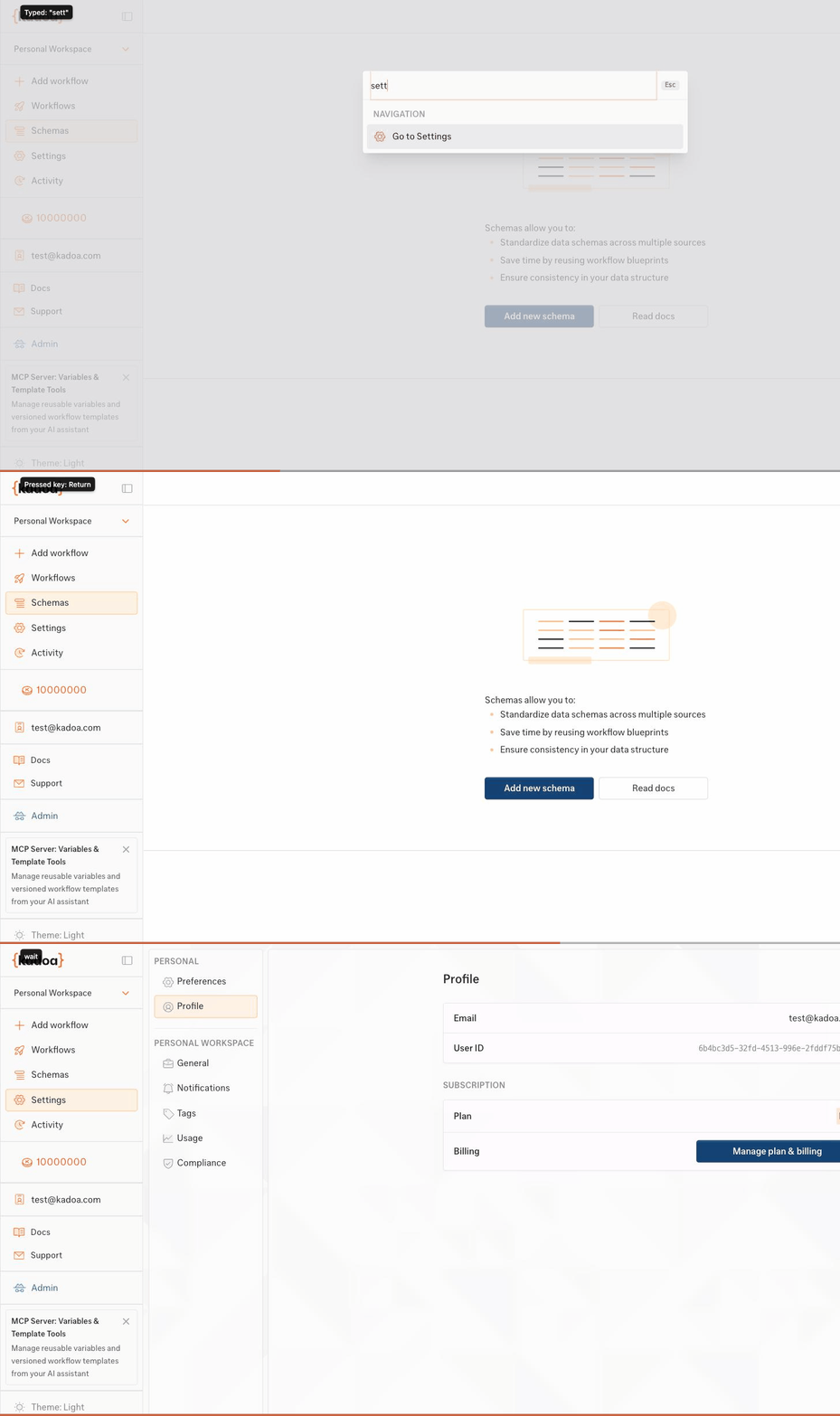
The command bar gives you instant access to:
- Navigation - Jump to Workflows, Schemas, Settings, or Activity Log
- Actions - Create a new workflow or search existing ones by name
- Settings - Switch between light, dark, and system themes
- Help - Open the docs or contact support
Start typing to filter commands. Select "Search workflows..." to search your workflows by name with live API results. Sub-pages like theme selection support backspace to go back.