


Pin Workflows
07 October 2026
Back to changelogThe dashboard groups workflows by status, so a workflow moves every time it runs, finishes, or fails. Pin the ones you want to keep an eye on, and they stay in a Pinned section at the top.
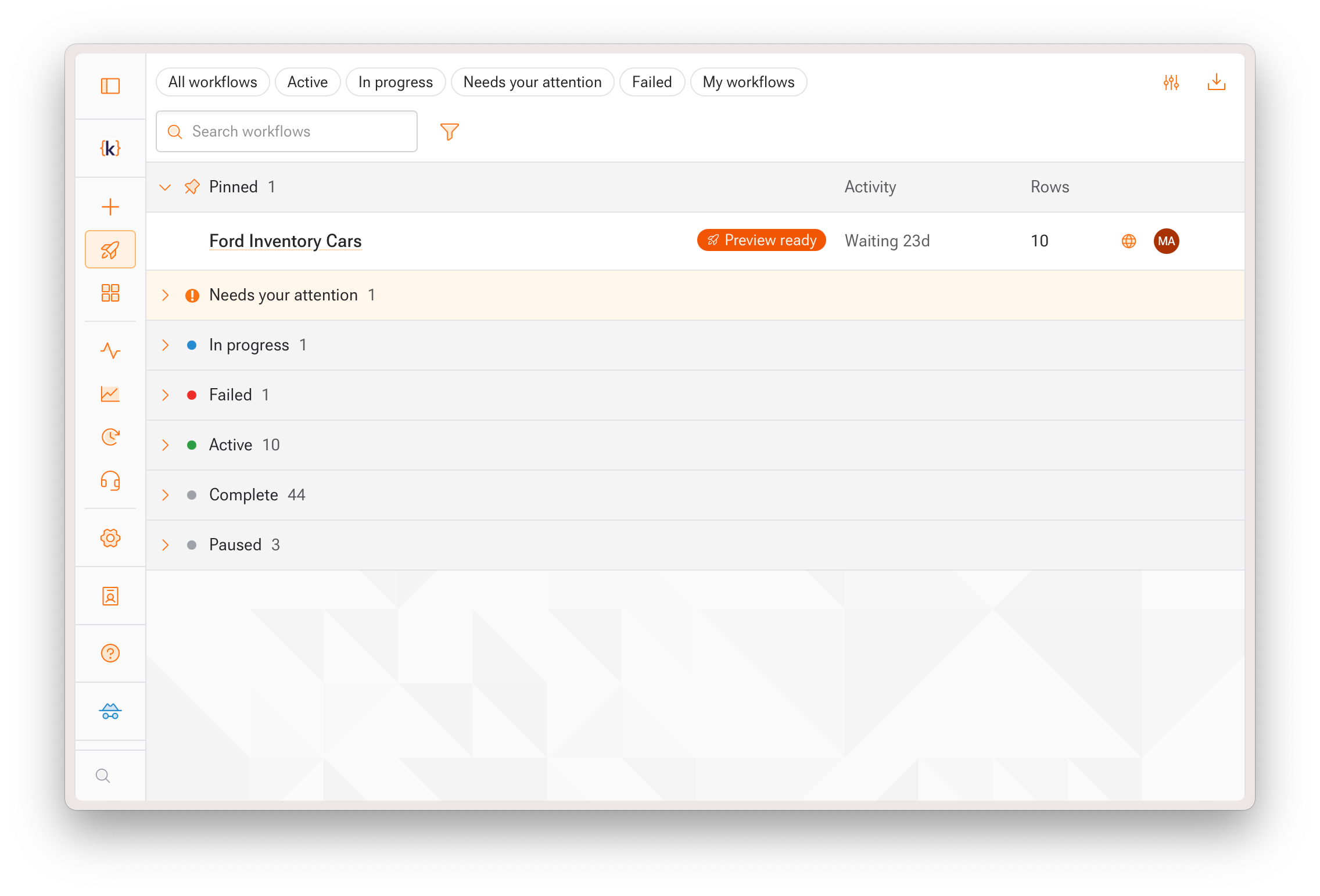
To pin a workflow, use the pin button on the row, Pin to top in the right-click menu, or the toggle in the workflow header. You can also pin several at once from the bulk action bar. Pins are personal and don't change anyone else's dashboard.